Deskripsi Proyek & Solusi
Office Inventory Application
Office Inventory Application is a web-based system built with Laravel 12 to manage office supplies and assets efficiently. It features stock monitoring, stock-in and stock-out transactions, asset tracking, low-stock alerts, inventory reports, and dashboard analytics. Role-based access control and secure authentication help ensure organized, reliable, and centralized inventory management.
Office Inventory Application
Integrated Office Supplies and Asset Management System
1. Project Overview
Office Inventory Application is a web-based inventory management system developed to simplify, organize, and improve the management of office supplies and fixed assets. Built with Laravel 12, the application provides a centralized platform for recording inventory data, monitoring stock availability, managing stock movements, tracking office assets, and generating inventory reports.
Managing office inventory manually can become challenging as the number of items, transactions, and assets increases. Paper-based records and disconnected spreadsheets may lead to inaccurate stock information, duplicated entries, delayed reporting, and difficulties tracking asset locations or responsibilities. This application addresses these challenges by bringing essential inventory management activities into a single digital system.
The application is designed to support administrative workflows while providing structured access to inventory information. Administrators can manage inventory records, oversee stock transactions, maintain asset information, and review inventory reports. Its dashboard presents important inventory summaries, allowing users with the appropriate permissions to understand current stock conditions and recent activities more efficiently.
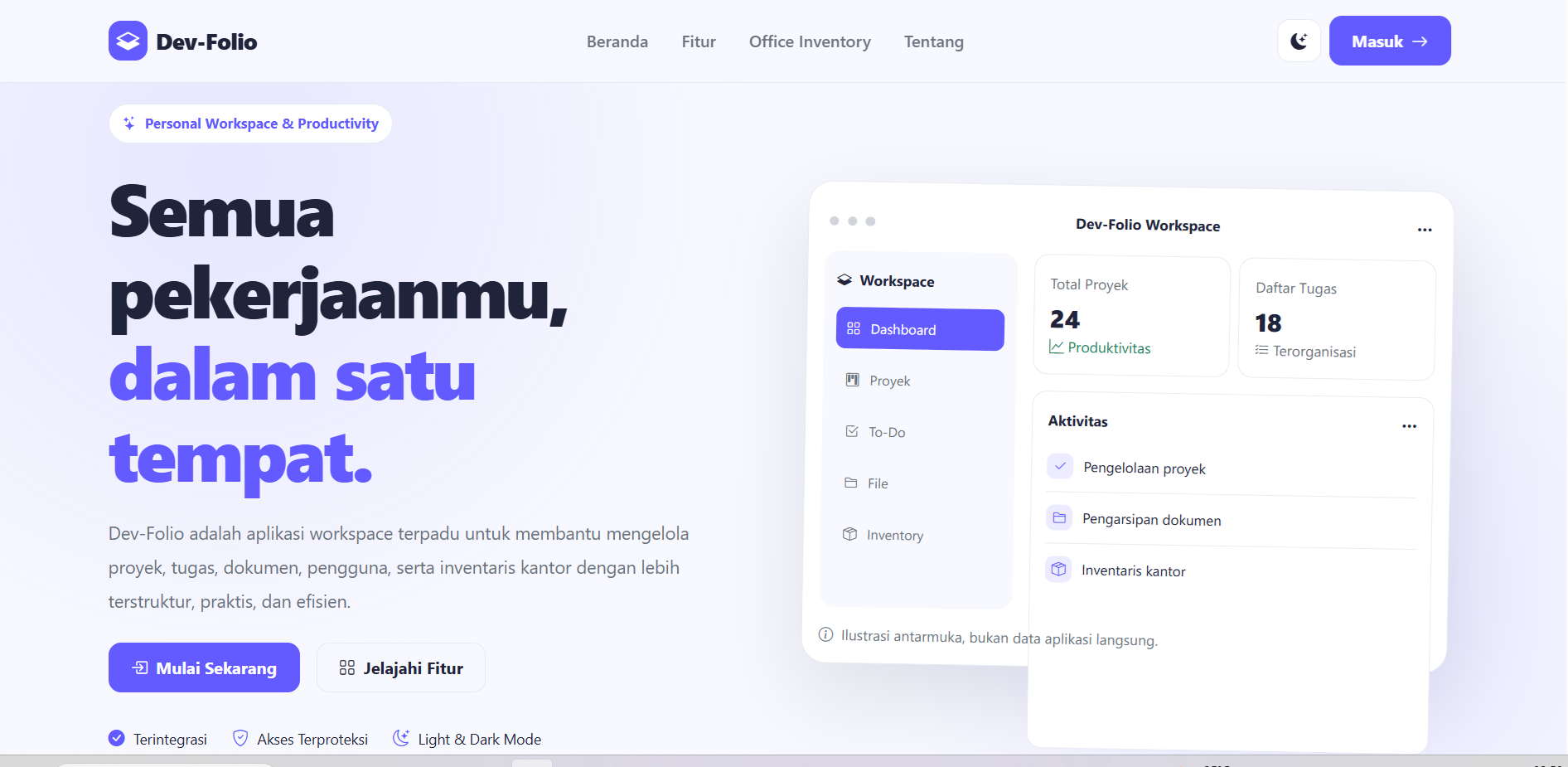
Office Inventory Application is developed as part of Dev-Folio, an integrated web application project that brings multiple productivity and management features into one platform.
2. Project Background
Office supplies and fixed assets are important resources in daily business operations. Supplies such as paper, stationery, printer materials, and other consumable items must be monitored to ensure their availability. Meanwhile, fixed assets such as computers, printers, office equipment, and other durable items require structured records to support identification, assignment, maintenance, and tracking.
Without a centralized inventory system, organizations may find it difficult to determine which items are available, which supplies need replenishment, and where specific assets are located. Recording stock movements manually can also make it harder to maintain accurate inventory balances and investigate differences between recorded and actual quantities.
This project introduces a digital approach to inventory management. By maintaining inventory records in a relational database and recording stock movements as transactions, the application provides a more organized way to manage office resources.
The system also includes low-stock monitoring, asset information management, and transaction reporting to support better inventory visibility and more consistent administrative processes.
3. Project Objectives
The primary objective of Office Inventory Application is to provide a practical and centralized solution for managing office inventory.
The specific objectives include:
Digitizing inventory records to reduce dependence on manual documentation.
Organizing office supplies and assets in a structured database.
Monitoring stock quantities and minimum stock thresholds.
Recording stock-in and stock-out transactions systematically.
Maintaining reference numbers for transaction identification and traceability.
Recording important asset information, including serial numbers, locations, purchase dates, warranty dates, and assigned personnel.
Identifying items that require replenishment through low-stock monitoring.
Providing inventory summaries and transaction reports for administrative review.
Applying role-based access control to protect administrative operations.
Integrating inventory management into the existing Dev-Folio platform.
These objectives aim to improve inventory visibility, support consistent record-keeping, and simplify routine office administration.
4. Core Features
4.1. Inventory Item Management
The inventory management module provides a structured interface for maintaining office item records. Administrators can create, view, update, and manage inventory information according to the application's access rules.
Each item can include information such as item code, item name, description, category, item type, unit of measurement, minimum stock level, unit price, condition, and active status.
Item categories help organize inventory into meaningful groups, making records easier to browse and maintain. Item types distinguish consumable supplies from asset-related inventory, supporting different management requirements within the same application.
The system also maintains stock quantities for inventory items. New item records begin with an initial stock quantity, while subsequent stock changes are recorded through inventory transactions.
4.2. Stock-In and Stock-Out Transactions
The transaction module records inventory movements and helps maintain stock accuracy.
Stock-in transactions represent additions to available inventory, while stock-out transactions represent reductions in stock quantities. Each transaction is associated with an inventory item, a quantity, a transaction type, a recording user, a reference number, and optional notes.
Reference numbers provide identifiers that make individual transactions easier to locate and review. Transaction timestamps also support chronological tracking and reporting.
When a transaction is recorded, the system updates the corresponding item's stock quantity. Stock-out transactions include validation to prevent quantities from exceeding available stock.
The application also supports transaction correction and deletion workflows that account for their effects on stock balances. These operations use database transactions and record locking to help maintain consistency when multiple database operations are involved.
4.3. Office Asset Management
The asset management module supports the recording and tracking of office assets.
Asset records can contain an asset code, serial number, location, assigned person, purchase date, warranty expiration date, asset status, and additional notes.
These details help administrators identify individual assets and understand where they are located or who is responsible for them.
Purchase and warranty information can also support administrative planning, particularly when reviewing equipment that may require follow-up or maintenance.
By maintaining asset records alongside inventory item information, the application creates a more organized overview of office resources.
4.4. Low-Stock Monitoring
Low-stock monitoring helps identify active inventory items whose current quantities have reached or fallen below their defined minimum stock levels.
The application compares current stock quantities against minimum thresholds and displays matching items in the inventory dashboard.
This feature helps administrators identify supplies that may require replenishment before shortages disrupt routine office activities.
Instead of manually checking every item record, administrators can review the low-stock list and prioritize items that need attention.
4.5. Inventory Dashboard
The dashboard provides a consolidated overview of important inventory information.
It includes summary indicators for active inventory items, total stock quantities, low-stock items, and recorded office assets. Monthly stock-in and stock-out summaries provide additional visibility into inventory movements.
The dashboard also displays a list of items requiring stock attention and a table of recent transactions.
By presenting these details together, the dashboard reduces the need to navigate between multiple pages when reviewing the general inventory situation.
The dashboard is designed to support day-to-day monitoring and help administrators quickly identify records or activities that may require further review.
4.6. Inventory Reports
The reporting functionality supports the review of stock transactions over a selected month and transaction type.
Administrators can generate reports covering stock-in activities, stock-out activities, or all transactions within the selected reporting period.
The report includes relevant transaction information, such as item details, reference numbers, quantities, recording dates, and responsible users where available in the report view.
Reports can be exported in a Microsoft Word-compatible document format, making them easier to open, review, print, and incorporate into administrative documentation.
This functionality helps organize transaction records for periodic review and inventory documentation.
4.7. Category Management
Inventory categories provide a consistent way to classify office items.
Organized categories improve record management and make it easier to understand the composition of inventory data. Administrators can maintain category records so that inventory items are grouped according to the organization's needs.
This structure also supports a more consistent approach to searching, reviewing, and maintaining item information.
4.8. Role-Based Access Control
The application uses role-based access control to separate administrative responsibilities from general user access.
Administrative inventory operations are restricted to authorized administrators. This includes the management of inventory records, stock transactions, categories, assets, and other privileged functions according to the configured routes and controller authorization checks.
Authentication and middleware protection are integrated into the existing Dev-Folio application.
This approach helps prevent unauthorized access to administrative features and establishes clearer boundaries between user roles.
5. User Interface and User Experience
The application uses Bootstrap 5.3.3 to provide a responsive interface that adapts to different screen sizes.
Its layout is integrated with the existing Dev-Folio application structure, including shared navigation, page headings, and sidebar navigation. This creates a consistent experience across the platform rather than presenting inventory management as a separate application.
Bootstrap Icons are used to help communicate actions and information visually. SweetAlert2 supports user-friendly notifications and confirmation dialogs where implemented.
The interface also follows the existing light and dark theme approach, helping maintain visual consistency with the rest of Dev-Folio.
Tables, summary cards, forms, and status indicators are intended to make inventory information easier to scan and routine administrative actions easier to understand.
6. Technology Stack
Office Inventory Application uses the following technologies:
Laravel 12: The PHP framework used for routing, controllers, validation, database interaction, middleware, and application structure.
PHP: The backend programming language.
MariaDB / MySQL: The relational database used to store inventory items, categories, transactions, assets, and related records.
HTML5: The foundation for the application's page structure.
CSS3: Used to style components and customize the interface.
JavaScript: Supports interactive user-interface behavior.
Bootstrap 5.3.3: Provides responsive layouts, tables, forms, buttons, and reusable interface components.
Bootstrap Icons: Supplies icons for navigation, inventory indicators, and actions.
SweetAlert2: Provides enhanced notifications and confirmation dialogs.
XAMPP: Provides the local development environment for PHP and the database.
The application follows Laravel's Model-View-Controller architecture, separating database models, application logic, and presentation templates to support maintainability and future development.
7. Database and Data Management
The application uses a relational database structure to organize inventory information.
Inventory items store the main item records and stock quantities. Categories classify inventory items. Inventory transactions reference the corresponding item and recording user. Asset records connect individual asset information to inventory items and assigned personnel.
These relationships allow related information to be retrieved through Laravel Eloquent models.
Database transactions are used in stock-changing workflows to help ensure that related updates are handled together. Row-level locking is also used in selected operations to reduce the risk of conflicting stock changes during concurrent requests.
Input validation helps ensure that required fields are supplied and transaction quantities meet defined requirements.
Together, these mechanisms support more consistent data handling and reduce the likelihood of invalid stock movements.
8. Security and Reliability
Security is an important part of the application because inventory records and stock transactions should be managed through authorized workflows.
The system integrates with Dev-Folio's existing authentication process and multi-factor authentication setup. Protected routes use authentication and MFA middleware according to the application's configuration.
Administrative controller methods also check user roles before allowing privileged operations.
Laravel validation is applied to important inputs, including item identifiers, transaction types, and quantities. Stock-out operations check available quantities before reducing inventory.
Database transactions and record locking help protect the consistency of stock updates, especially when correcting or deleting transactions.
These measures improve the application's reliability, although production deployment would still require appropriate configuration, testing, access reviews, backups, and ongoing maintenance.
9. Benefits and Expected Impact
Office Inventory Application is intended to make office inventory management more organized, visible, and efficient.
Centralized records reduce the need to maintain inventory information across disconnected documents. Structured transactions provide a clearer history of stock movements. Low-stock monitoring helps administrators recognize replenishment needs, while asset records provide useful information about equipment identification and responsibility.
Dashboard summaries support quicker reviews of inventory conditions, and report exports help simplify periodic documentation.
Role-based access control also helps establish clearer responsibilities for administrative operations.
The application does not replace the need for physical stock checks or proper administrative procedures. Instead, it provides a digital foundation that supports those activities with more structured and accessible information.
10. Development Challenges and Solutions
Developing an inventory application involves more than displaying item records. Stock movements must remain consistent, relationships between inventory records must be maintained, and administrative actions must be validated.
One important challenge is ensuring that stock quantities remain accurate when transactions are created, corrected, or deleted. The application addresses this through database transactions, stock validation, and record locking in relevant workflows.
Another challenge is organizing consumable supplies and fixed assets within a unified platform. The system addresses this by maintaining common inventory item records while providing a separate asset-record structure for asset-specific information.
Access control is another important consideration. Route middleware and controller-level authorization checks help restrict sensitive inventory operations to authorized administrators.
Finally, the dashboard and reporting features aim to transform stored records into information that can be reviewed and used in everyday administrative work.
11. Future Improvements
The application can be expanded with additional features as organizational requirements evolve.
Potential improvements include barcode or QR-code scanning, automated low-stock notifications, asset maintenance schedules, asset depreciation tracking, advanced inventory analytics, configurable reporting periods, and downloadable spreadsheet reports.
Additional possibilities include audit logs for sensitive administrative changes, more granular permissions, inventory reconciliation workflows, and integration with purchasing or procurement processes.
These improvements would need to be designed and tested according to the application's database structure, security requirements, and operational needs.
12. Conclusion
Office Inventory Application is a Laravel-based web application designed to centralize the management of office supplies, stock transactions, and fixed assets.
By combining inventory records, stock movement tracking, low-stock monitoring, asset information, reporting, and dashboard summaries, the system provides a structured approach to everyday inventory administration.
Its integration with Dev-Folio, responsive Bootstrap interface, role-based access control, and database consistency measures establish a foundation for continued development.
The project demonstrates the practical application of Laravel 12, relational database design, MVC architecture, validation, authentication, and responsive user-interface development in solving an administrative business problem.
Project Category: Inventory Management System
Application Type: Web Application
Framework: Laravel 12
Database: MariaDB / MySQL
Frontend: HTML5, CSS3, JavaScript, Bootstrap 5.3.3
Development Environment: XAMPP
Project Status: Ongoing Development